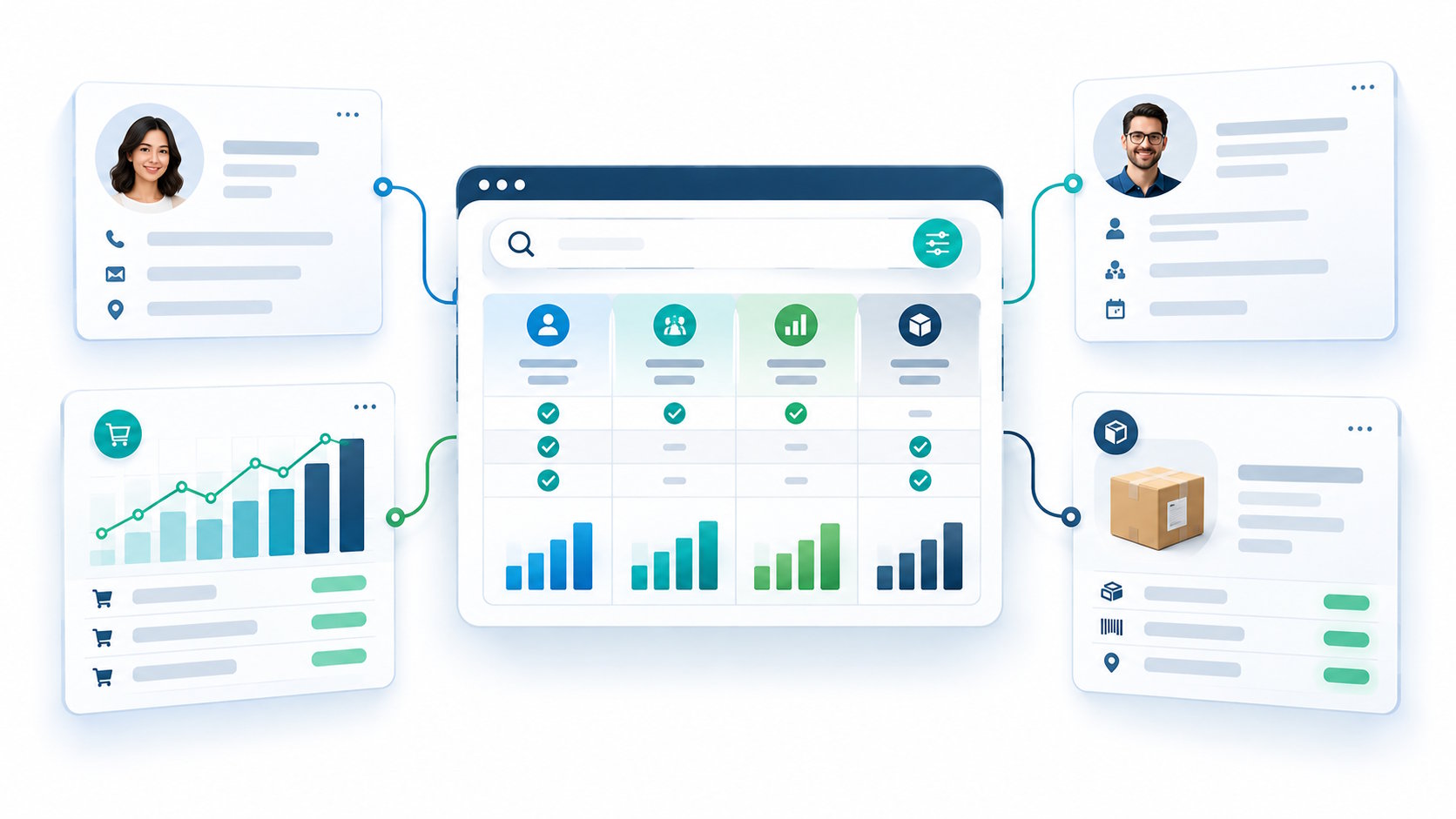
Ask AI. Get Work Done.
Get work moving in AutoCount using AI Assistant. Helps you retrieve information, analyse sales, check customer balances and perform accounting tasks using simple natural-language questions.
Ask, prepare, compare, and review
AutoCount AI Assistant is an MCP connector for AutoCount Accounting 2.2. Use AI apps such as Claude or Codex to ask questions, prepare entries from pictures or Excel files, and compare results
Find answers
Look across customer, staff, sales, and stock records to answer questions and compare figures.
“Open the ledger for ABC Trading.”
“Who owes more than 30 days?”
“How many units of item Y are left?”
Prepare entries
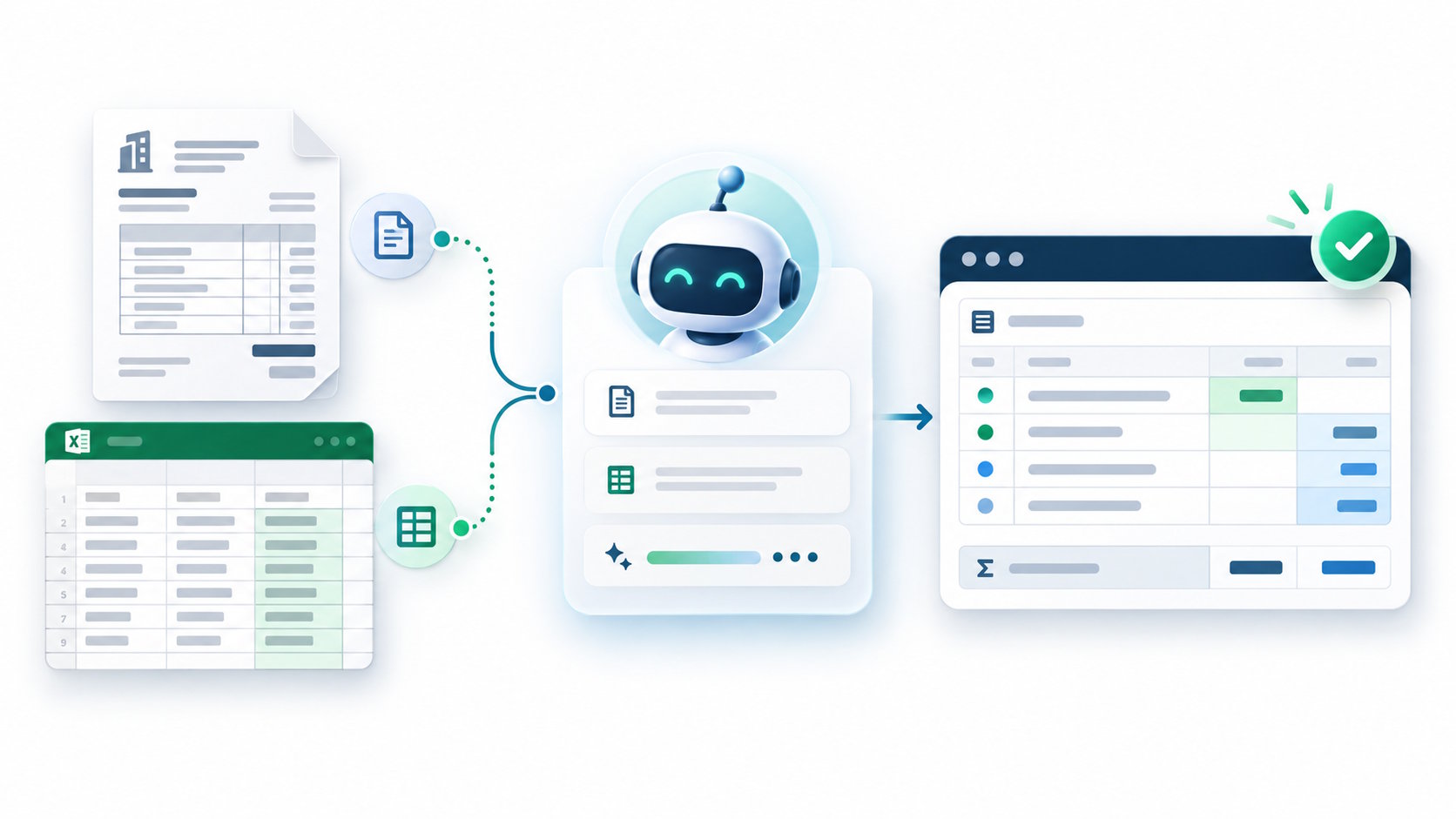
Instruct or upload a document picture or Excel file and ask the assistant to prepare a supported entry.
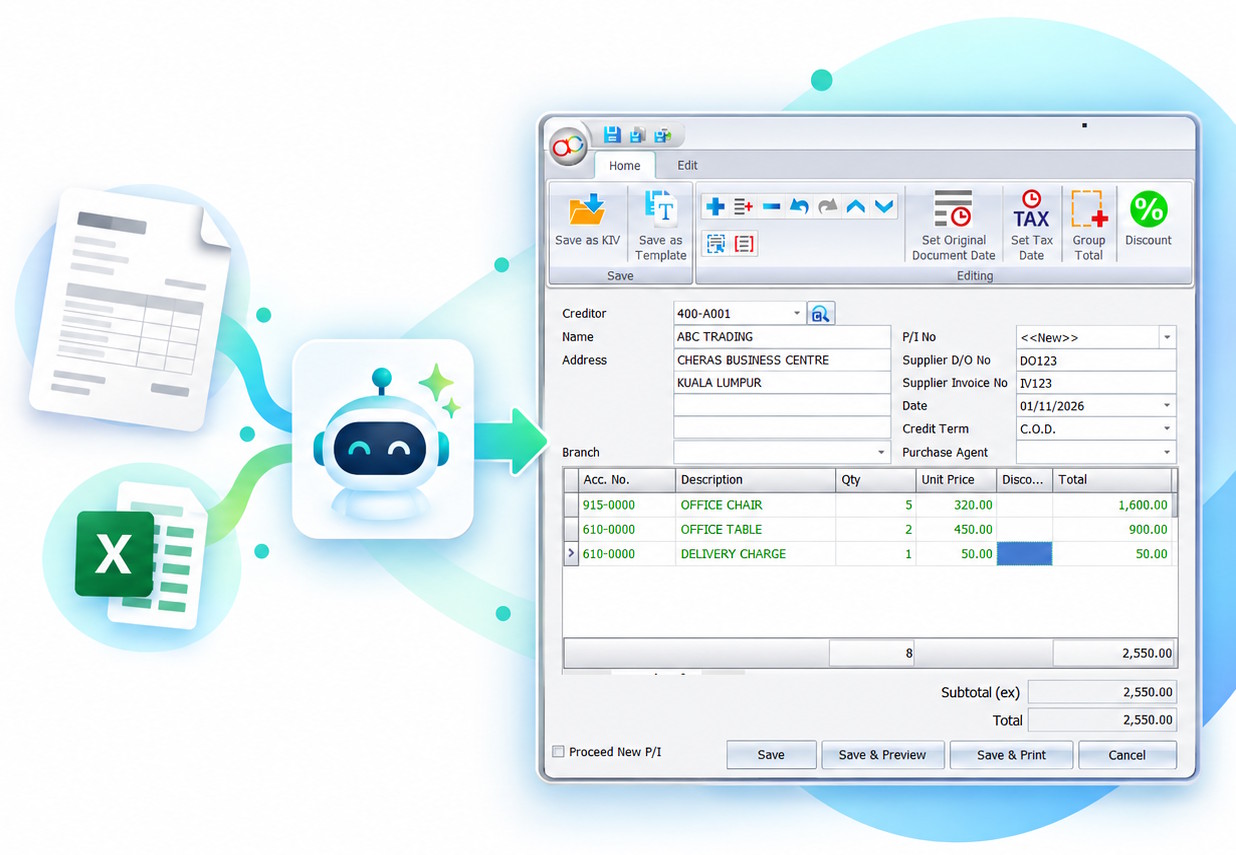
“Prepare purchase invoice from this file ”
“Issue sales order to ABC Trading from this picture.”
“Use this Excel file to prepare sales entries.”
Update entries
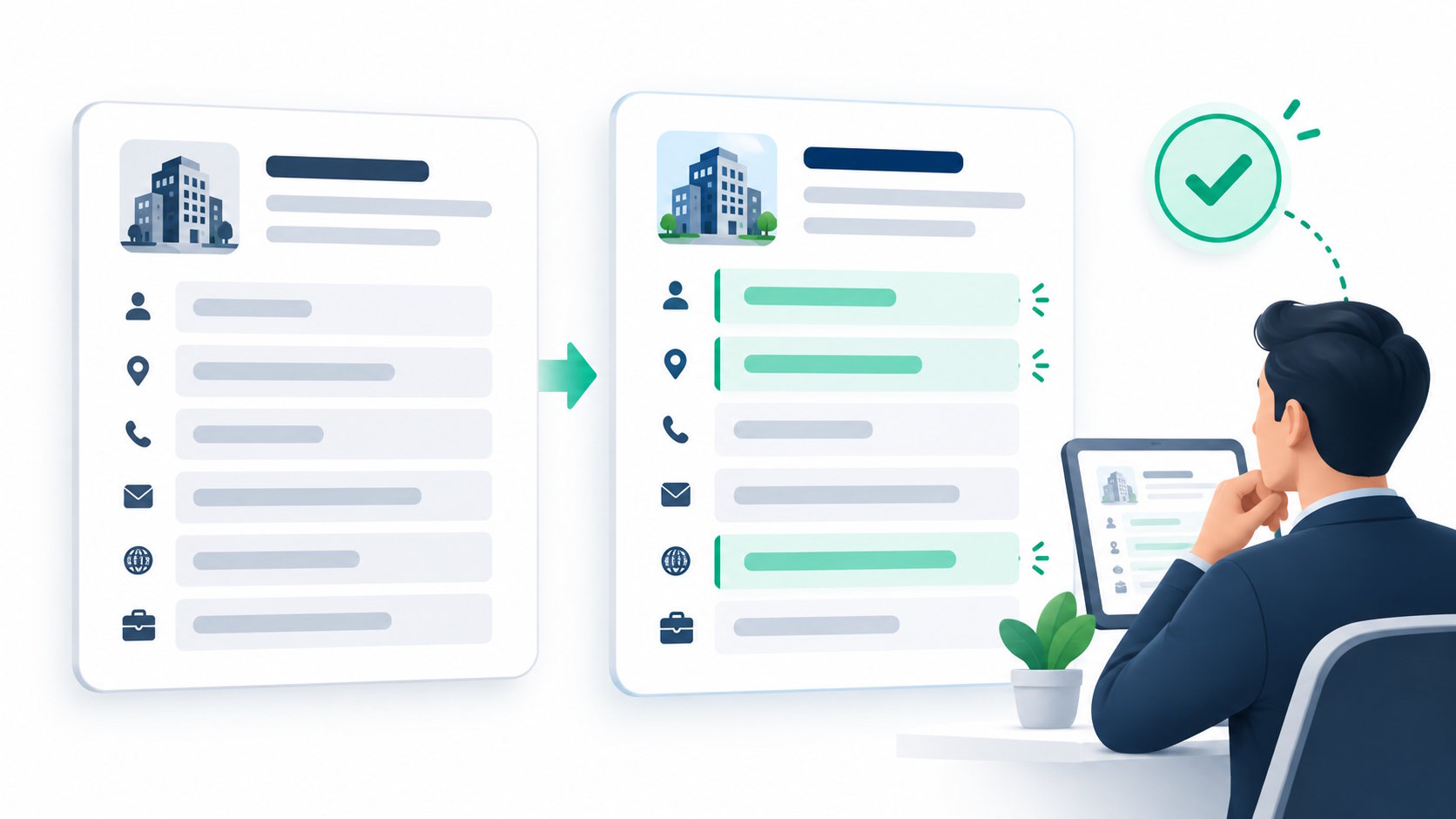
Update details in an existing supported record, then review the proposed change.
“Change the email for this customer to hello@gmail.com”
“Transfer quotation QT-100 to an invoice”
"Update the weekly currency rate."
Work with documents
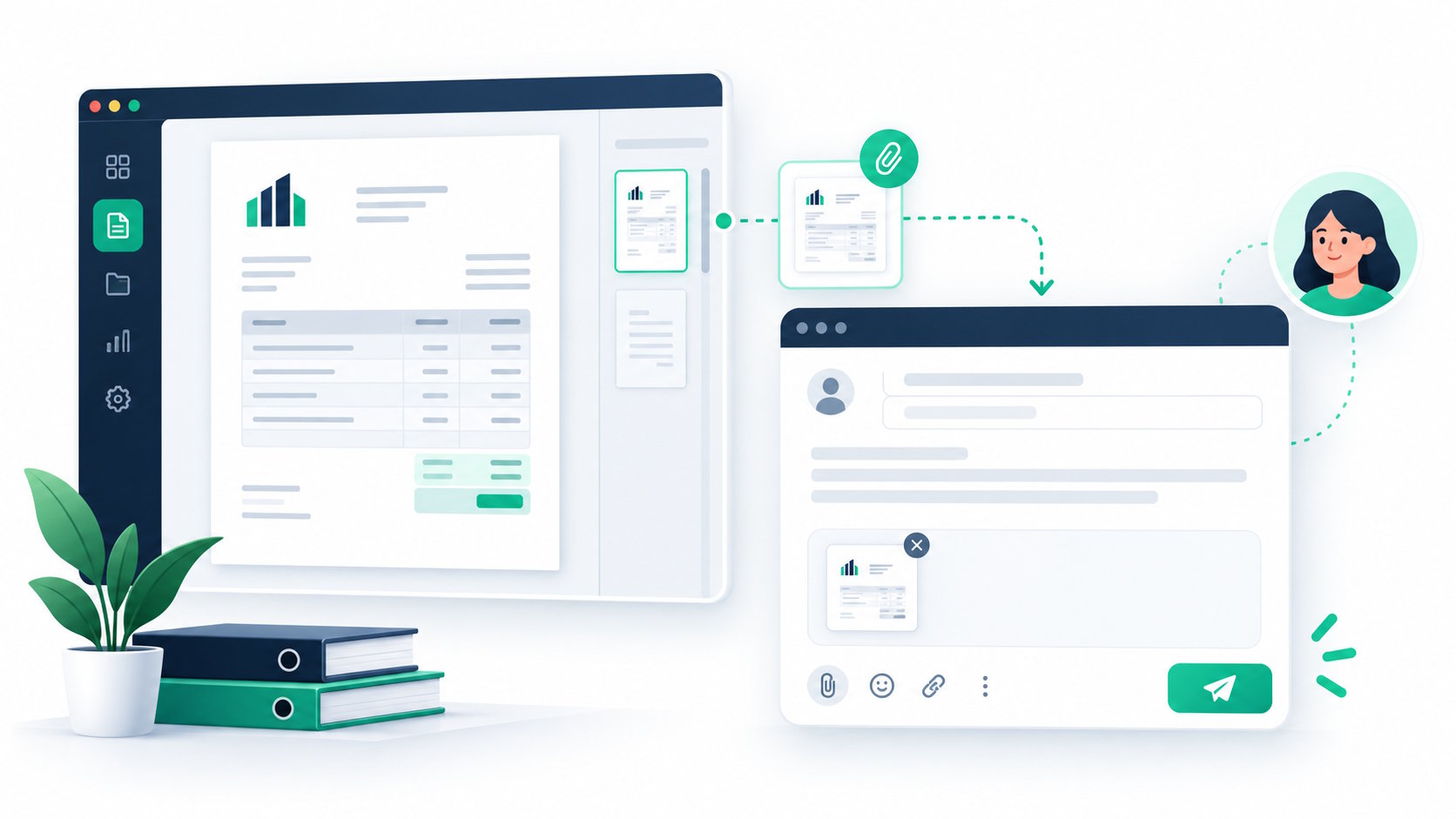
Continue supported document workflows and prepare related customer emails.
“Partial transfer 5 units from SO-120 to a delivery order.”
“Draft a reminder customer’s overdue balance and email.”
"Create a project code and update it to all ABC Trading invoice"
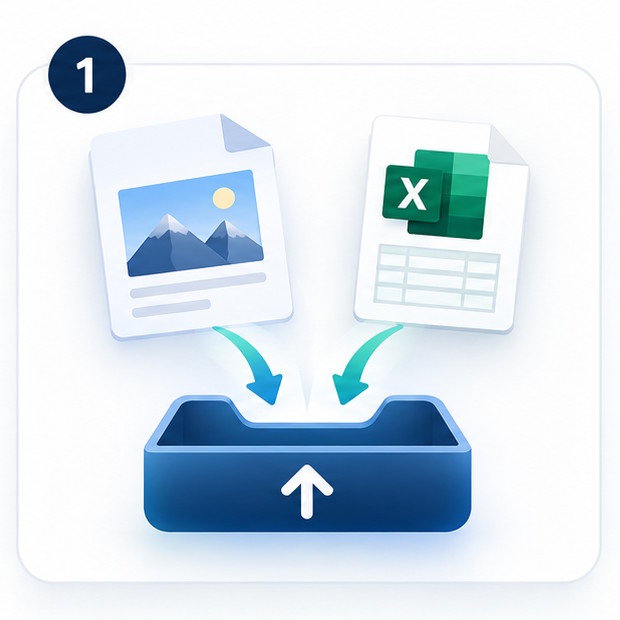


Turn a picture or Excel into a draft entry.
Upload a document picture or Excel file and ask the assistant to prepare information for a supported AutoCount entry. Review the extracted details and proposed entry before confirming a change.
See what’s changing across your business.
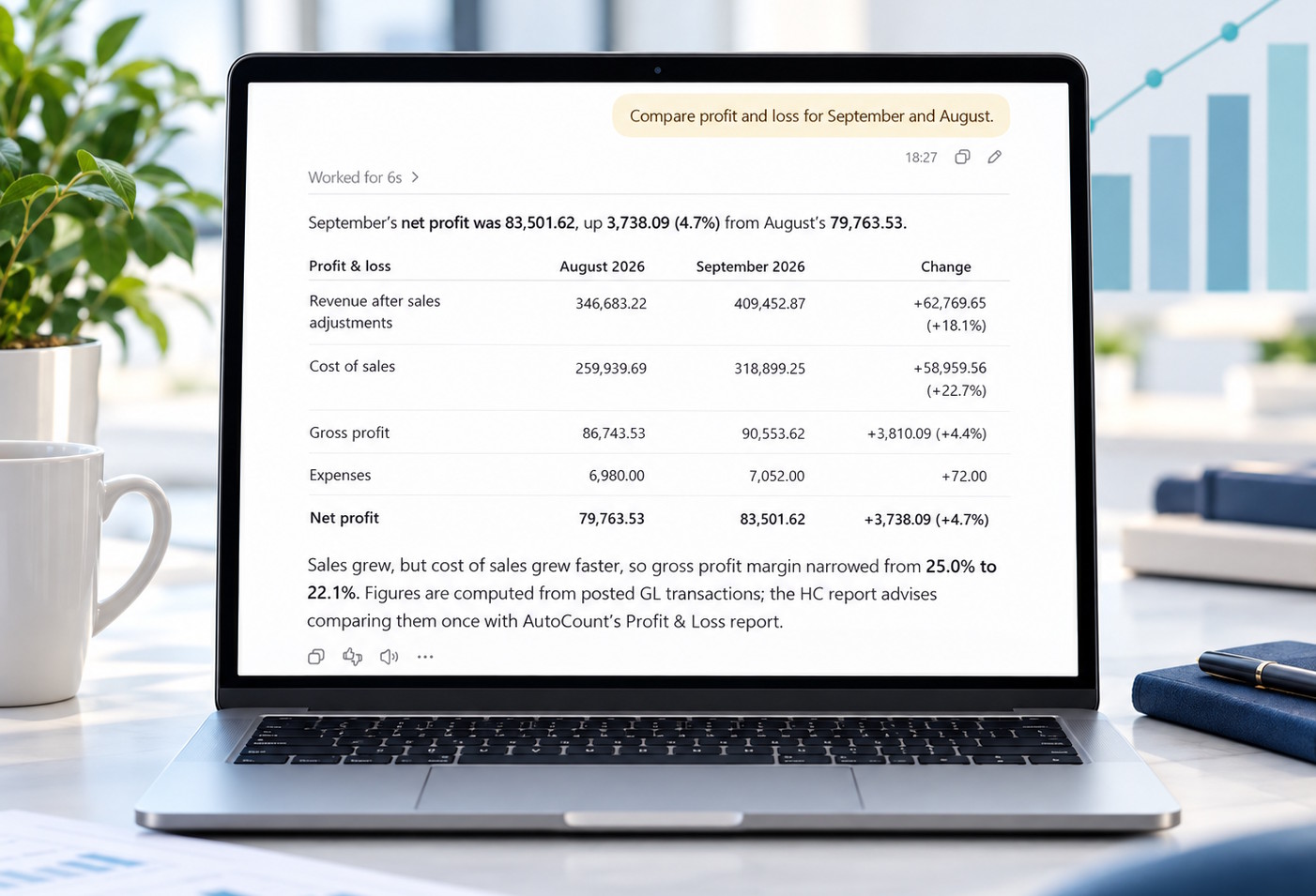
Compare results across periods, customers, or items. Ask for a report in plain language and explore the figures from your AutoCount books. Start with a question
“Compare profit and loss for September and August.”
The assistant can present the requested figures side by side, so it’s easier to spot changes and decide what to look into next.
You stay in control of what gets saved.
Choose read-only or limited-change access for each company book. When the assistant prepares a supported change, it shows you what it plans to do so you can check the details—such as the customer, items, quantities, or dates—before deciding whether to confirm it.
AI Assistant for your AutoCount environment.
Built for AutoCount Accounting 2.2, this connector runs locally on your Windows PC or server and works with your existing AutoCount company books. It provides a controlled connection between your accounting environment and compatible AI assistants.
- Book-level access can be configured.
- Read-only access is available for the trial.
- Review a preview before confirming supported changes.
- Your business needs its own Claude or ChatGPT account.
What would you like your AutoCount AI Assistant to help with?
Request a guided demo and explore questions, comparisons, and prepared entries.